1
Write a one-page brief
Name the audience, the problem they recognize, the single product benefit to show, and the action viewers should take. Add approved wording, prohibited claims, visual references, and the intended placement. Choose one main message: trying to fit a product story, a feature list, and a testimonial into one short ad usually weakens all three. For AI ad creatives, a specific brief makes it easier to identify whether a scene serves the offer or merely fills time.
2
Outline the video scene by scene
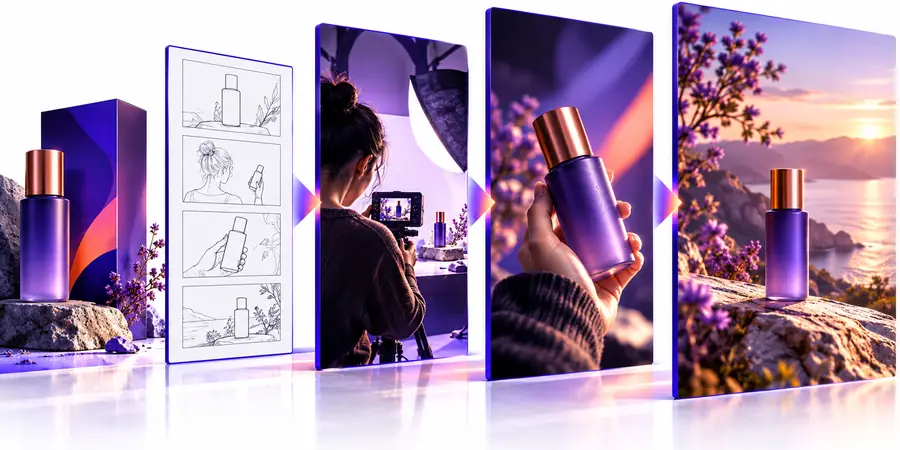
Draft an opening that identifies the situation, a middle that demonstrates the benefit, and an ending with the product and a clear call to action. Describe what is visible in each shot separately from any spoken words or on-screen copy. For example, a bottle ad could open with a crowded commute, cut to the lid being closed, and finish on an accurate product close-up. Specify the exact approved benefit rather than asking for a dramatic claim. This outline gives each generated scene a job.
3
Create a draft and inspect every frame
Use the brief and outline as your starting instructions, then review the resulting video rather than assuming the output is ready to run. Check that the product still looks like the reference, text is legible, the opening communicates quickly, and the closing action matches your destination. Watch once with sound and once without it: viewers may encounter either experience. Record errors by scene so the next revision requests a specific change instead of regenerating the entire concept blindly.
4
Revise, verify, and prepare the placement
Correct unsupported wording, inconsistent product details, awkward transitions, and any text that gets cut off. Ask someone unfamiliar with the brief what they understood from the first few seconds. Then verify the final offer, URL, disclosures, music or voice rights, and platform specifications. Save the brief and revision notes so future AI ad creatives can build on what you tested rather than repeating the same mistakes.